Changelog

Follow new updates and improvements to Munchi.

March 20th, 2026

We’re introducing a small but powerful improvement to make your POS even more flexible.

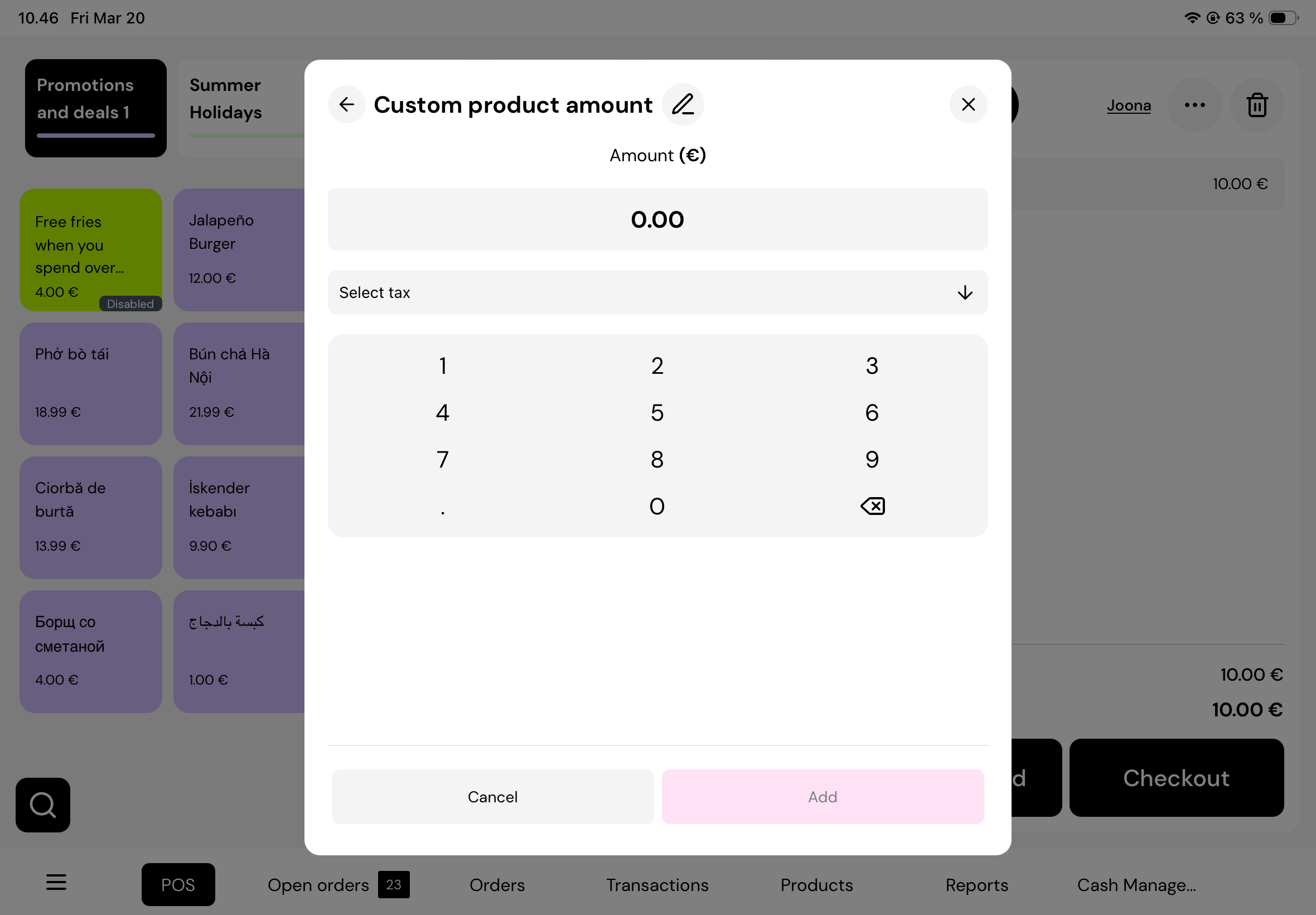
You can now add a custom description to any custom amount. This is perfect for situations where you need to quickly add a manual charge—such as special requests, service fees, or unique items that aren’t in your menu.

Simply add a custom amount, tap the edit name icon, and give it a clear description. This helps both front-of-house and kitchen staff understand exactly what the charge is for at a glance.

All updates are reflected instantly across the system, including the cart and order history, so everything stays clear and consistent.

One important reminder: always make sure to select the correct tax for the custom amount to ensure accurate reporting.

This update gives you more control, better clarity, and smoother daily operations.

March 20th, 2026

We’ve made managing orders even more flexible and intuitive.

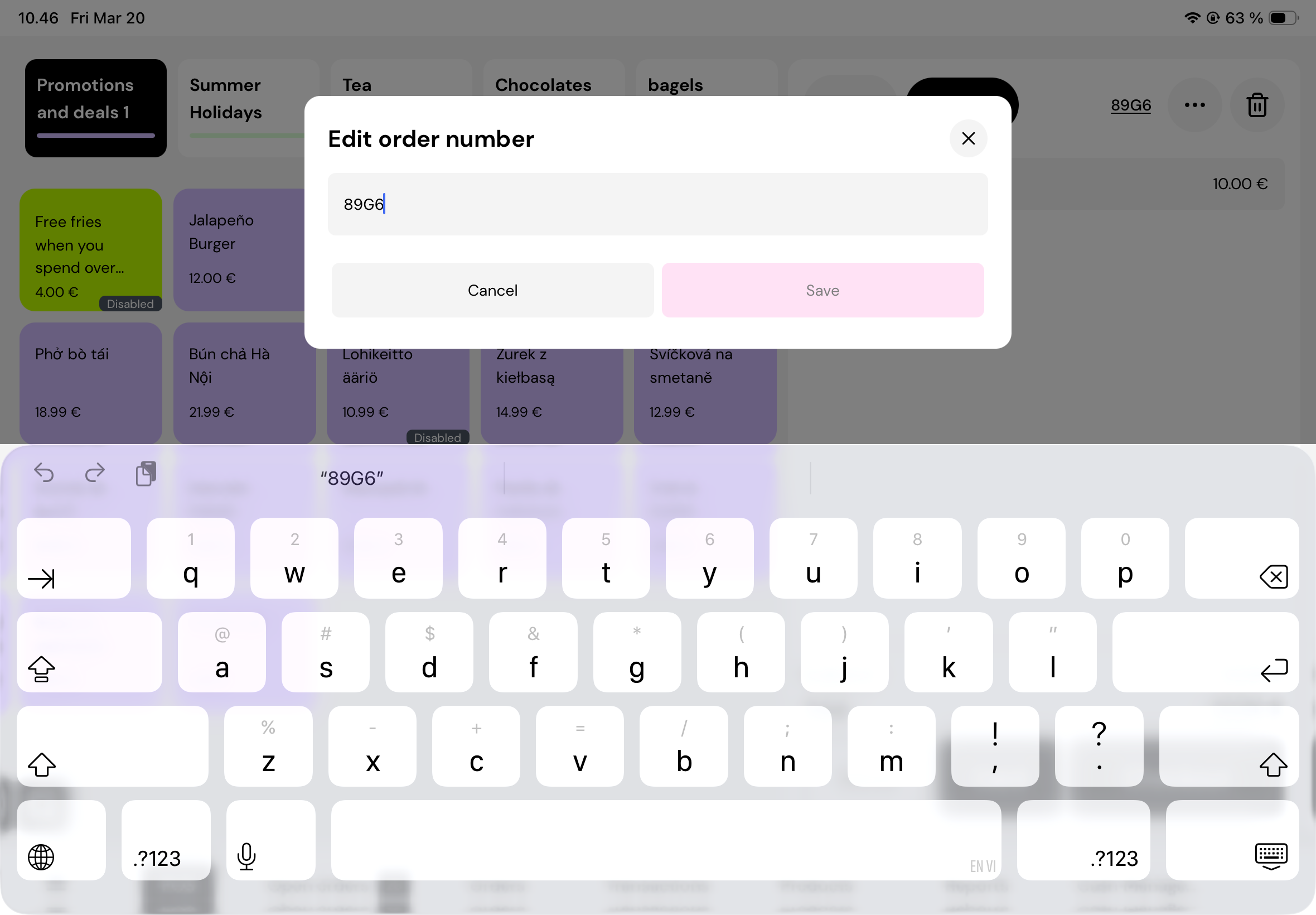
With this update, you can now edit the order name directly from the POS cart. As soon as items are added, an order number is automatically created and shown right away—so you always have a reference from the start.

Need to make it more specific? Simply tap on the order name to rename it. Whether it’s a table number, customer name, or a custom label, you can organize orders in a way that fits your workflow.

Any changes you make are reflected across the entire system in real time. The updated order name will appear everywhere—whether you’re viewing open orders, checking order history, or managing orders across different devices.

This makes it easier for both front-of-house and kitchen staff to quickly identify and manage orders without confusion.

March 20th, 2026

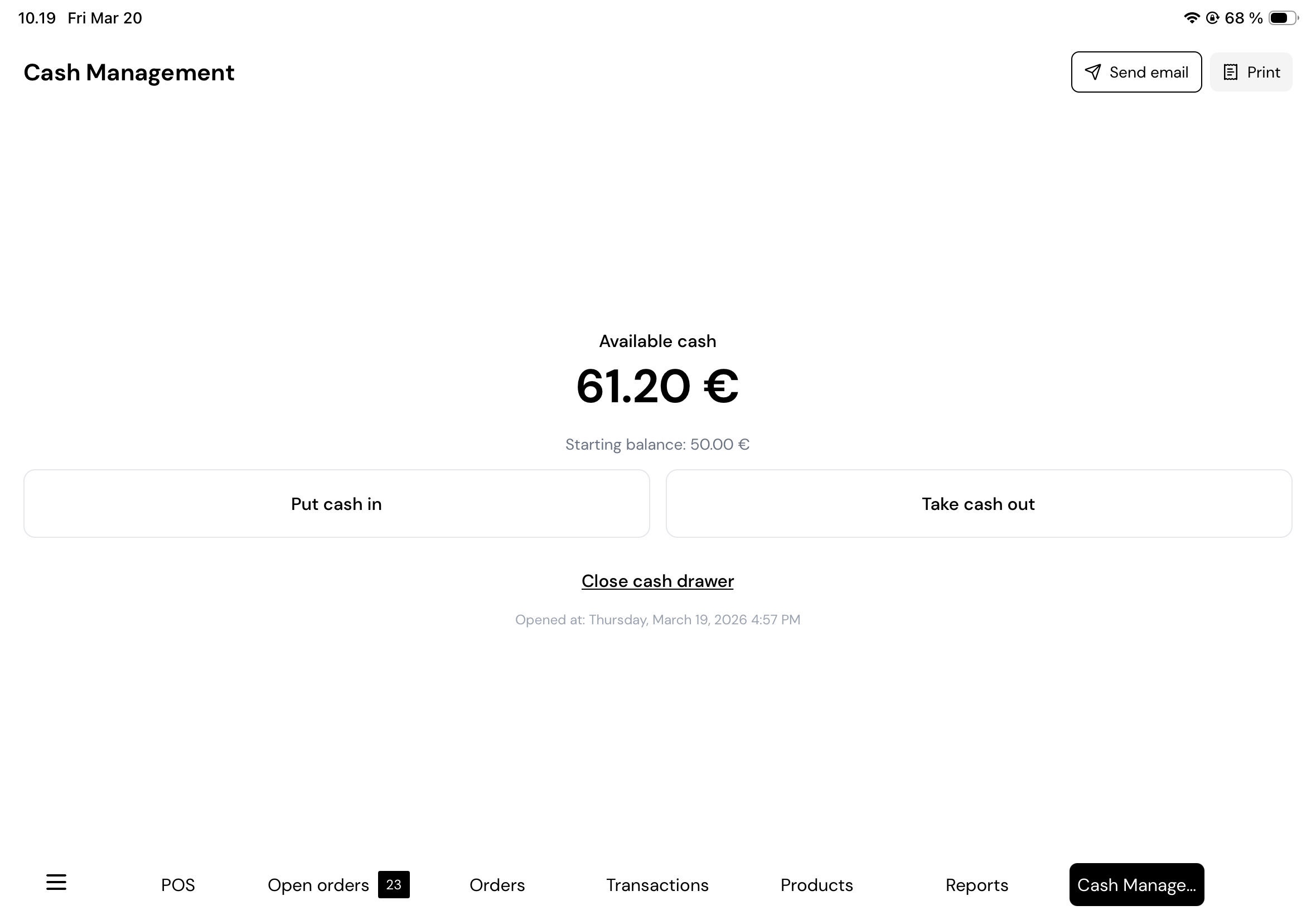
We’re excited to introduce a new feature designed to make your daily routines smoother: the Cash Management Report.

With this update, you can now easily track all cash activity during your shift. The report clearly shows both cash in and cash out, helping you stay on top of your register and avoid end-of-day surprises.

Printing the report is simple. Just tap the print button in your POS to send it directly to your printer, or choose to have it sent to your email for a digital copy.

Whether you’re closing a shift or just keeping things organized throughout the day, the Cash Management Report makes it quick and easy to manage your cash flow with confidence.

December 2nd, 2025

We're excited to release an enhancement to streamline how you manage customer receipts.

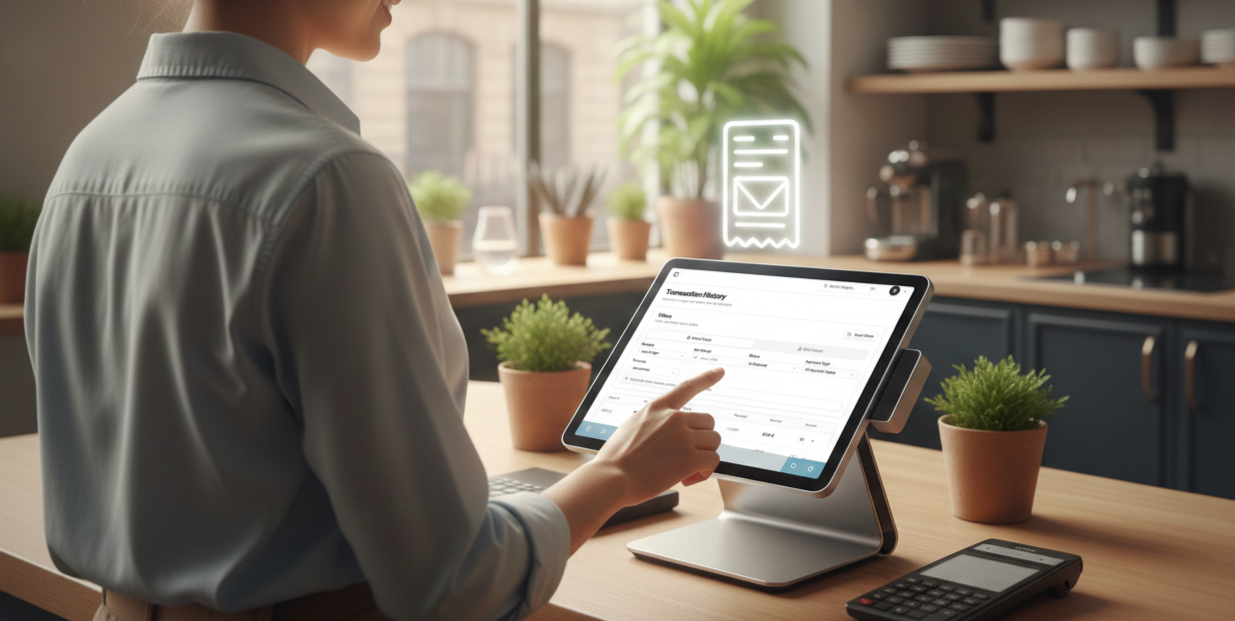
You can now email a customer their receipt directly from the Transaction History page - no jumping between systems, no extra tools.

Below is a quick walkthrough so your team can start using it right away.

1. Open the Transaction History Page

  • From the left-side navigation, go to Sales → Transaction History.

  • This page shows all your online and POS orders in one place.


2. Choose the Order Type You Want to View

You can switch between Online Orders and POS Orders depending on the receipt you want to send.


3. Apply Filters to Find the Order

  • Business: For multi-venue operators

  • Time Period: Choose the time period

  • Payment Type: Cash, card, etc.

  • Status: Delivered, Ready, Rejected, etc.

  • Providers: Munchi Online, Wolt, etc.


4. Click the Email Icon to Send a Receipt

  • Once you find the order, look at the Actions column on the right.

  • Click the small email icon.


5. Enter the Customer’s Email

A pop-up will appear. Add the customer’s email address then click Send Receipt - done.


These updates aim to enhance your productivity and improve customer satisfaction.
We appreciate your continued support and welcome your feedback.

November 23rd, 2025

New

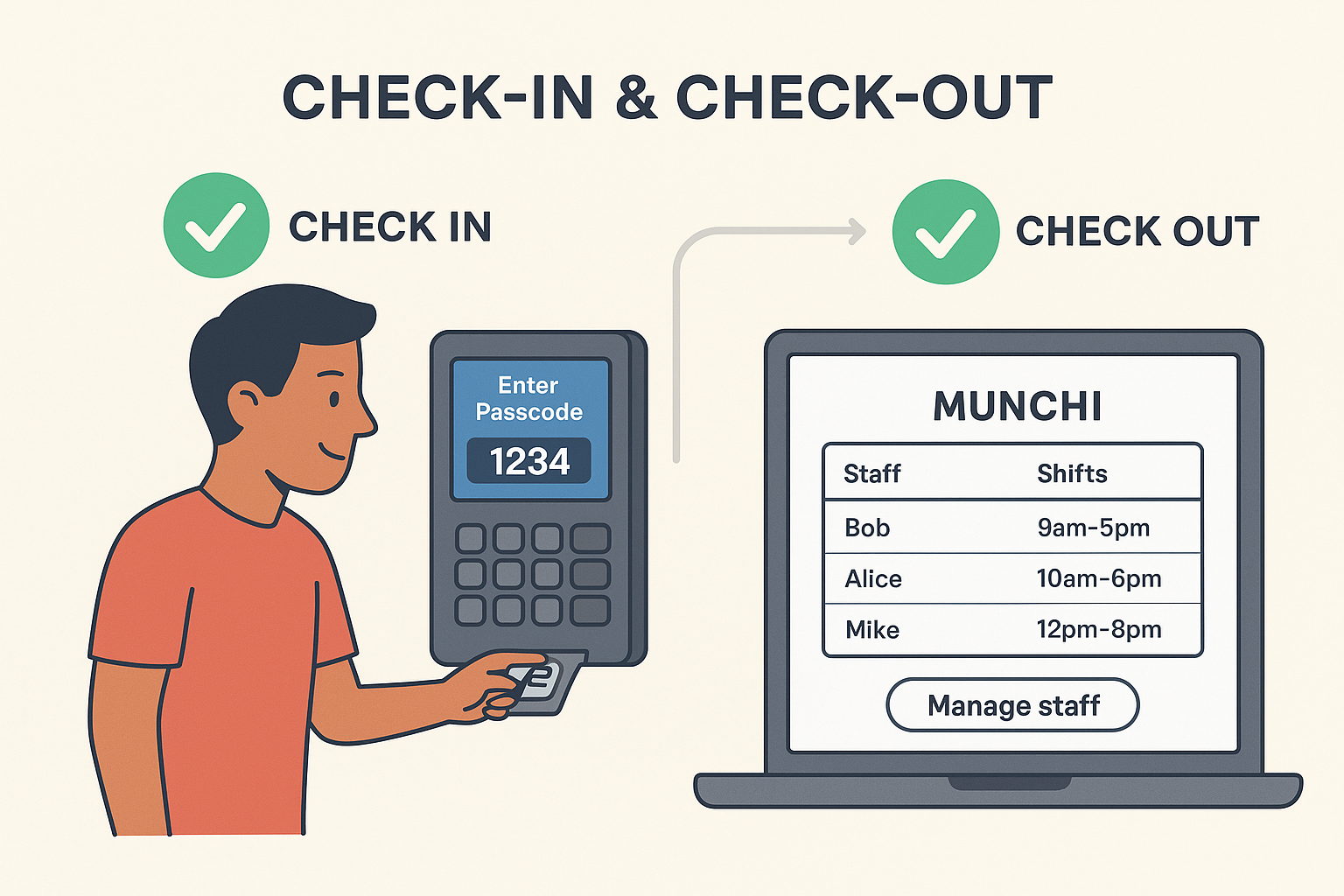
Keeping track of staff shifts shouldn’t be messy or manual. So we’ve made it effortless with our new Check-In & Check-Out feature — built directly into the Munchi POS and powered by the same passcode system used in Team Mode.


Check In With a Tap

Your staff simply enter their personal passcode on the POS to start their shift.
No paperwork. No shared codes. No confusion.

Check Out Just as Easily

At the end of their shift, staff use the same passcode to check out.
Everything is recorded automatically — who worked, when they started, when they finished.


Real-Time Shift Tracking

All shifts are synced instantly to the Munchi Portal, where managers can see:

  • Who is currently clocked in

  • Daily and weekly shift summaries

  • Total hours worked

  • Late or missing check-outs

Everything is clear, organized, and always up to date.


Full Manager Control in the Munchi Portal

From the Portal, managers can easily:

  • Add new staff

  • Edit staff details

  • Adjust shifts

  • Delete incorrect entries

  • Review full shift history

Everything is connected, seamless, and designed to save you time.


Simple for Staff. Powerful for Managers.

Whether you’re running a small café or a large multi-shift restaurant, Munchi makes staff management smooth and stress-free.

Munchi — Tools that keep your team running like clockwork.

https://www.gomunchi.com/

November 23rd, 2025

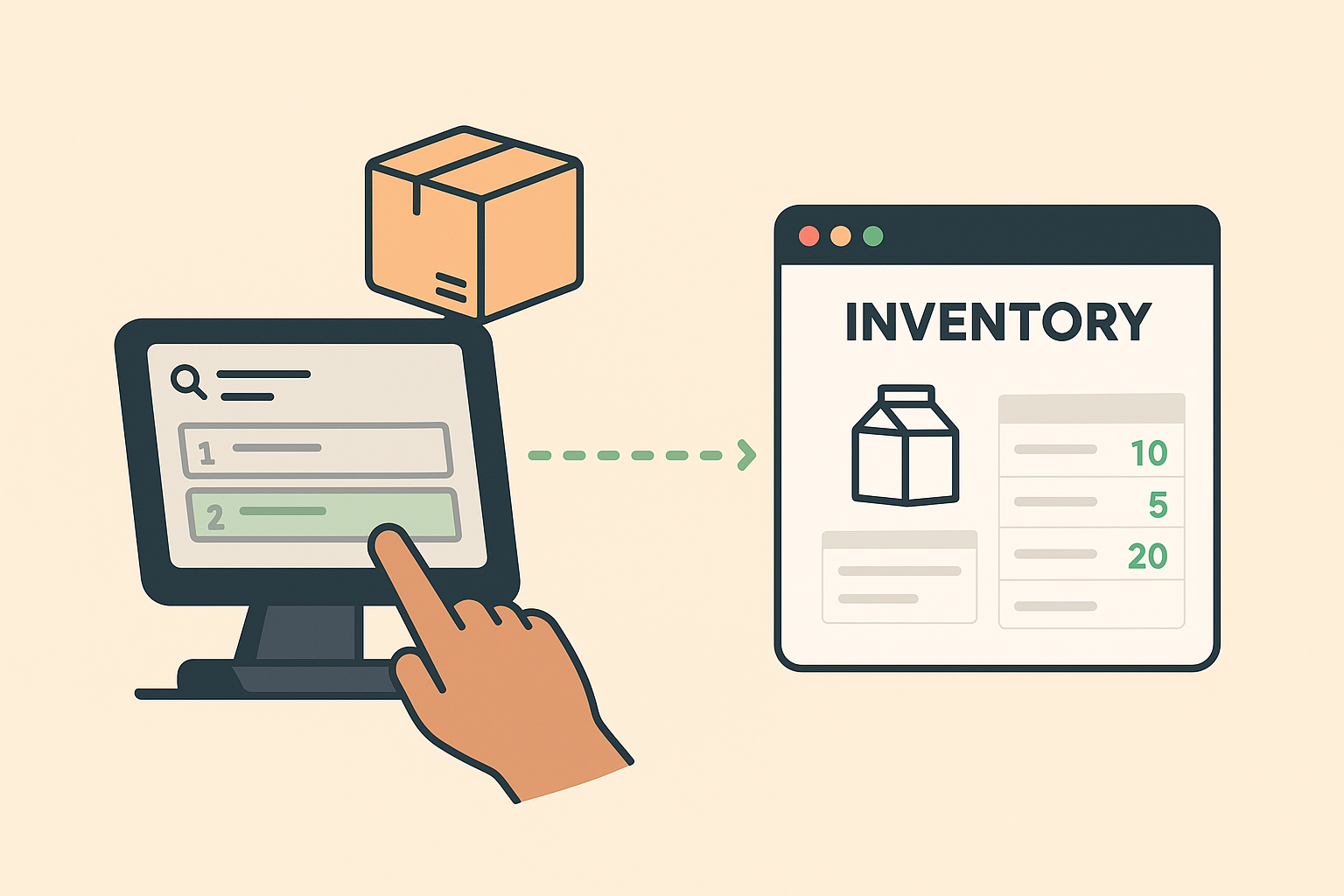
Running out of ingredients or selling items that aren’t actually available can create stressful moments for any restaurant. So we’ve made inventory simple, fast, and always up to date — right inside Munchi POS and the Munchi Portal.


Update Stock Anywhere

On the POS (Staff Updates)

Your team can adjust product quantities directly from the POS whenever something runs out or needs correcting.
And just like our team-tracking features, every change is recorded automatically — so you always know who updated what.

In the Munchi Portal (Manager Updates)

When you’re doing stocking or receiving deliveries, you can update quantities in the Portal with full control and visibility.
Perfect for bulk edits and keeping everything accurate.


Always Real-Time

Every change — from POS or Portal — syncs instantly.
No delays, no confusion, no “I thought we had more of that.”

Your staff sees the latest stock levels at all times, helping your restaurant avoid overselling and keeping service smooth.


Inventory Made Easy

Whether it's quick daily adjustments from your team or planned restocking in the back office, Munchi keeps your inventory accurate — without extra work.

Munchi — Simple tools that keep your restaurant running smoothly.

https://www.gomunchi.com/

November 23rd, 2025

New

We’re excited to announce a powerful new way for your restaurant to generate revenue and build loyalty: Munchi Gift Cards, powered by Planet.

Why This Matters for Your Restaurant

  • New Revenue Stream: Sell gift cards (digital, paper, or plastic) and bring in cash up-front. Planet’s Gift Card Manager lets you run promotions, offer cards for special occasions, and even bulk-sell to corporate clients. weareplanet.com

  • Better Cash Flow: Cash refunds? No problem — you can convert them into gift cards instead of losing that money. weareplanet.com

  • In-Person or Online: Your customers can buy gift cards through a web shop, or at your restaurant via Planet’s POS and terminal solution. weareplanet.com+1

  • Track and Redeem Easily: With Planet’s Gift Card Manager, you can check card balances, redeem cards, and access detailed sales reports — all in one place. weareplanet.com


How Munchi & Planet Work Together

  1. Sell Gift Cards: Use Planet’s system to create and sell cards with your branding. You decide the design and denominations.

  2. In-Person or Online Checkout: Customers buy cards either in-store or online. Planet supports both.

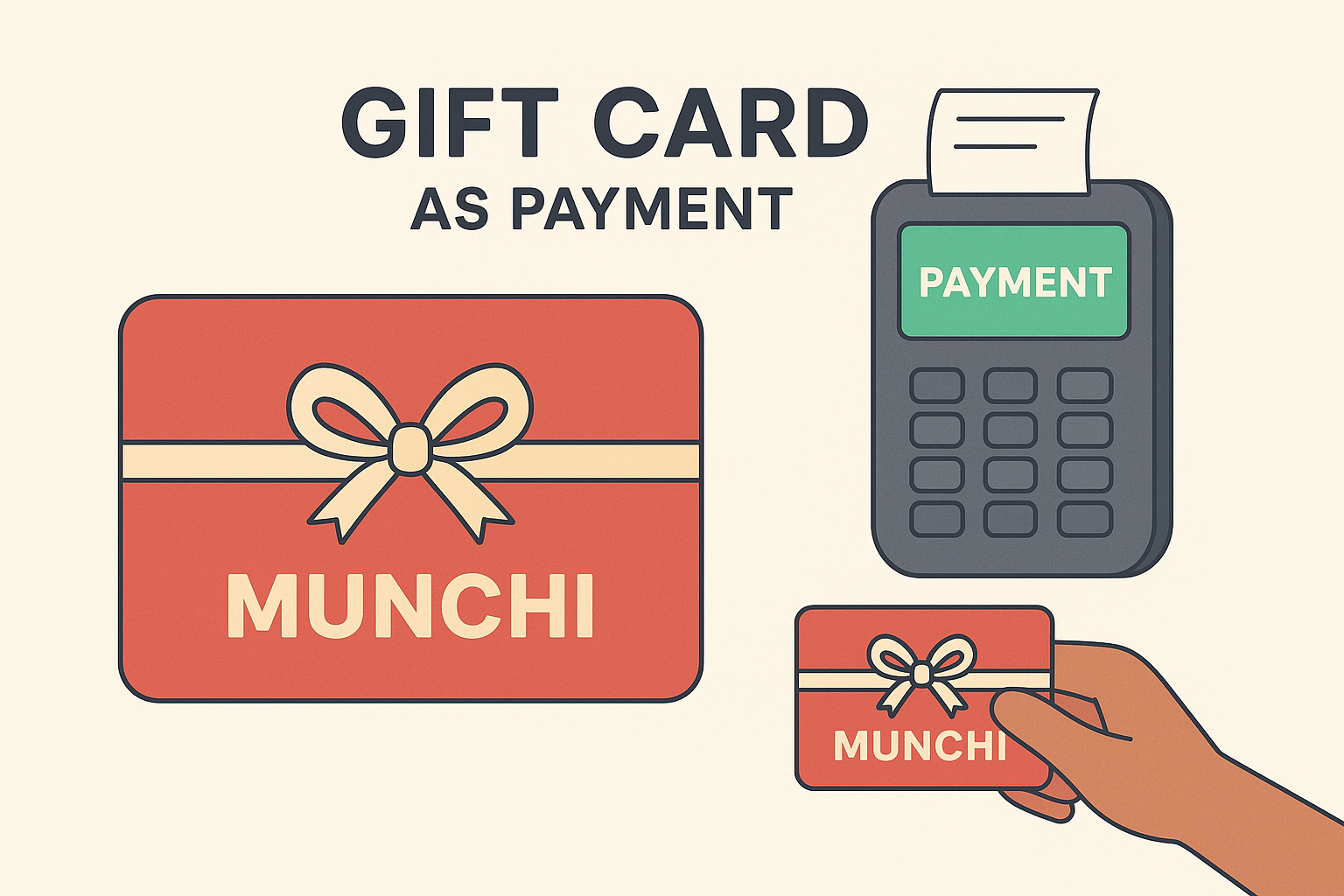
  3. Redeem in Munchi One POS: When someone pays with a gift card, your staff redeems the card via your Munchi One POS system — making it seamless for you.

  4. Clear Reporting: Use Planet’s dashboard to see how many cards are sold, redeemed, and tracked


Why You’ll Love This

  • Builds Loyalty: Gift cards make it easy to bring in first-time guests and turn them into repeat customers.

  • Marketing Opportunities: Run gift card promotions around birthdays, holidays, or special events.

  • Simplifies Refunds: Rather than refunding in cash, you can issue a gift card — keeping money in your ecosystem.

  • Professional & Flexible: Planet supports digital cards, physical cards (plastic, wooden, paper), and even large B2B orders


If you’re ready to offer gift cards in your restaurant — or want help getting started — just let us know. We’re here to walk you through it.

Munchi — Making payments smarter, one feature at a time.

https://www.gomunchi.com/

November 22nd, 2025

New

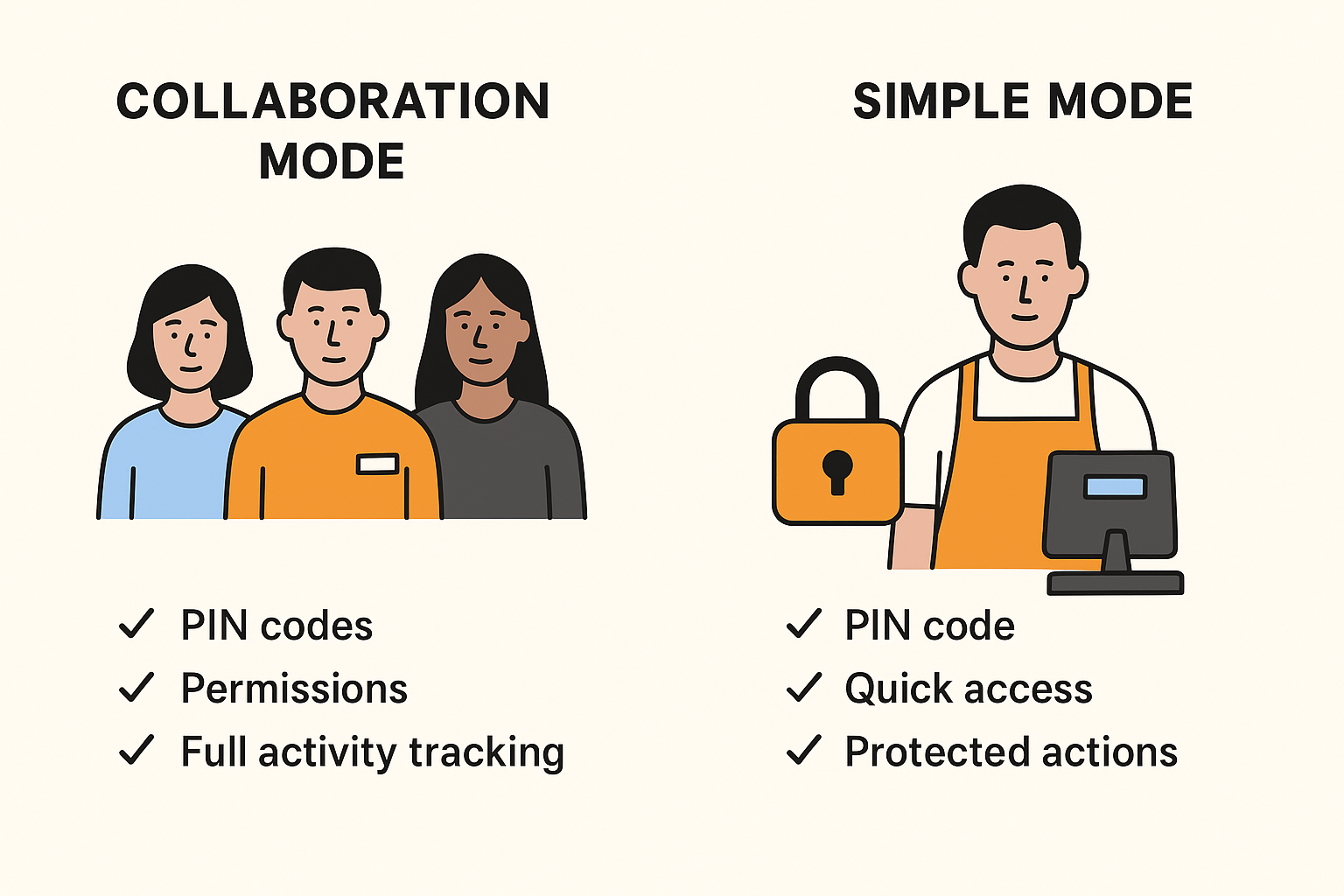
Every restaurant runs differently. Some want full team tracking; others just want a quick layer of protection. So we built a security system in two flexible modes — designed to fit your workflow, not change it.


👥 Collaboration Mode — Perfect for Teams

In Collaboration Mode, every staff member gets their own PIN and permission level.

This means:

  • Each team member logs in with their own code

  • You control what each role can do (discounts, refunds, editing items, cash drawer access, etc.)

  • Every activity is tracked automatically — sales, discounts, custom amounts, quantity changes, and more

Great for restaurants that want full visibility and accountability without slowing things down.


🔐 Simple Mode — Fast & Light

Don’t need full tracking? No problem.

In Simple Mode:

  • The POS works normally for everyday tasks

  • Only protected actions require a PIN, such as refunds or voids the payment

  • Perfect for smaller teams or fast-paced environments

Your staff can focus on service, and you still keep control of the important things.


⚙️ Manage Everything in Munchi Portal

You choose which mode your restaurant uses, and you can configure all rules inside the Munchi Portal:

  • Set PINs

  • Decide which actions require protection

  • Edit permissions

  • Switch modes anytime


Whether you want full team accountability or just a simple security safeguard, Munchi gives you control that fits your style.

Munchi — Smart security for restaurants that move fast.

https://www.gomunchi.com/

November 22nd, 2025

New

Running a restaurant is more than serving great food—it's about keeping customers coming back. At Munchi, we know how important loyalty is for your business. That’s why we’re excited to introduce our fully integrated Munchi Loyalty program directly inside the Munchi One POS.

No more juggling different systems. No more manual entries. Just simple, fast, automatic loyalty rewards built right into your daily workflow.

Why Loyalty Matters Now More Than Ever

Your regulars are the heart of your business. They order more often, spend more, and recommend you to others. But the only way to grow that base is to make rewarding them easy—for both your team and your customers.

With Munchi’s integrated loyalty system, you can turn every visit into an opportunity to build long-term relationships.

How It Works — Smooth, Fast, and Built for Busy Restaurants

Search Customers in Seconds

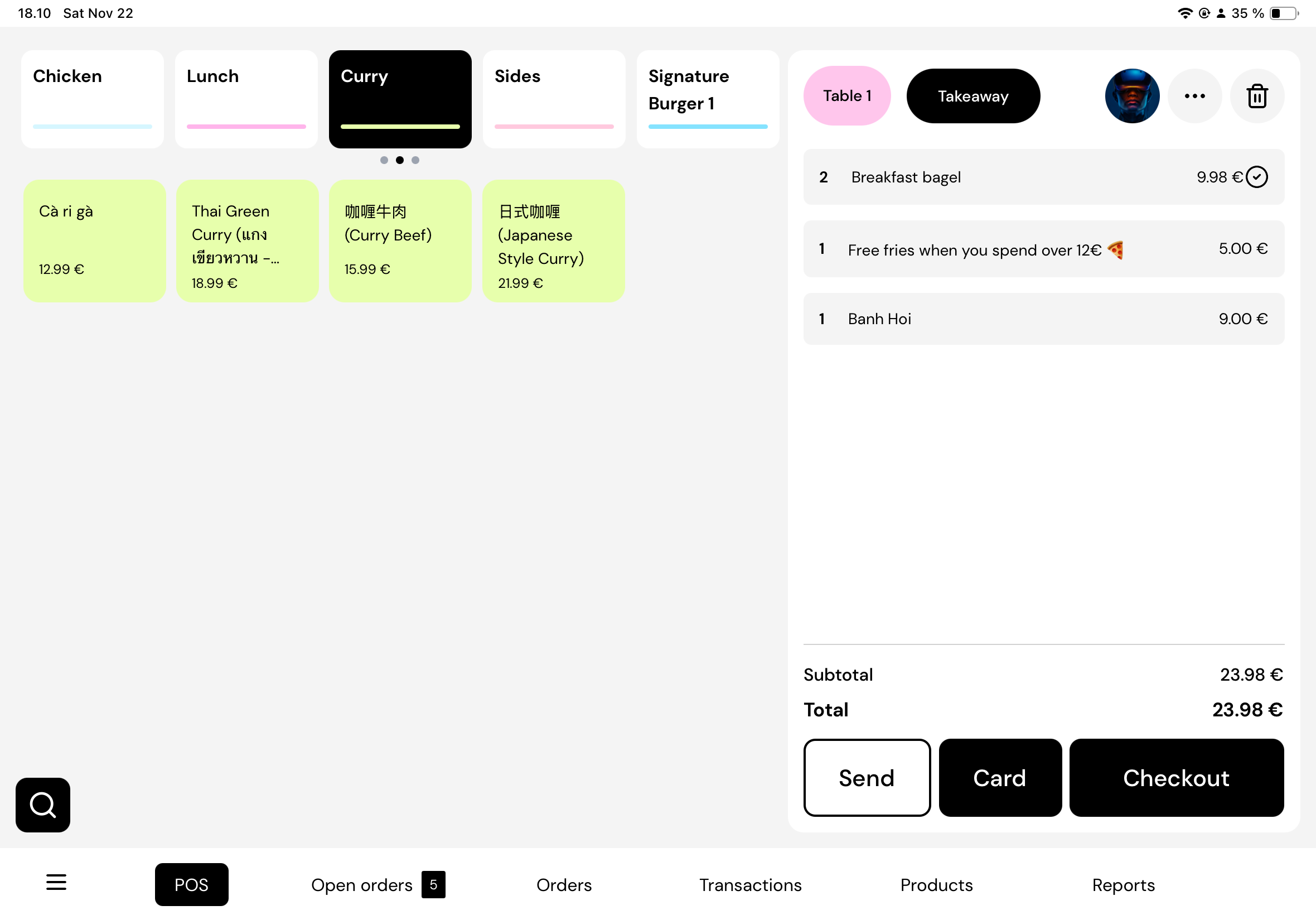
Your staff can quickly search for an existing loyalty customer right from the POS. No separate screens, no extra apps. The system is designed to keep the line moving, even during rush hour.

Scan and Award Points Instantly

If a customer brings their QR loyalty code, just scan it using the POS app. Their information appears immediately, and the transaction links to their account throughout the order.

Automatic Points After Payment

Once the customer pays, Munchi does the rest. Points are awarded automatically—no extra steps, no manual work. Customers receive their points right after the purchase, keeping them engaged and excited to return.

Perfect for Both Staff and Customers

  • Staff save time and avoid manual mistakes

  • Customers enjoy a smooth experience

  • Managers get clear insight into loyalty behaviors and return visits

It’s a win for the whole restaurant.


Built Into Munchi One POS

Our goal with Munchi One POS has always been simple: give restaurants an all-in-one system that makes operations easier—not harder.

By integrating Munchi Loyalty directly inside the POS:

  • You reduce system switching

  • You train staff faster

  • You deliver a consistent experience

  • You drive repeat business automatically

Everything works together out of the box.


Reward Smarter. Grow Stronger.

Whether you're running a café, a fast-casual spot, a bar, or a full-service restaurant, customer loyalty is one of the most effective tools for business growth. And now it's easier than ever.

With Munchi’s seamless loyalty integration:

  • Every order becomes a chance to build loyalty

  • Every customer visit strengthens your relationship

  • Every reward encourages a return trip

Your restaurant grows while you stay focused on what you do best.


If you’d like help getting started or want a walkthrough, the Munchi team is ready to support you every step of the way.

Checkout our loyalty https://www.gomunchi.com/products/loyalty

Munchi — Smart tools for restaurants that want to grow.
November 4th, 2025

Improved

We've made some improvements to help you get around the Munchi Portal faster. Here's what's new:

Smart Sidebar

It's now collapsible! Click the toggle button to shrink the sidebar and get more screen space for your data. Need it back? Just click any menu item and it automatically expands.

Quick Search

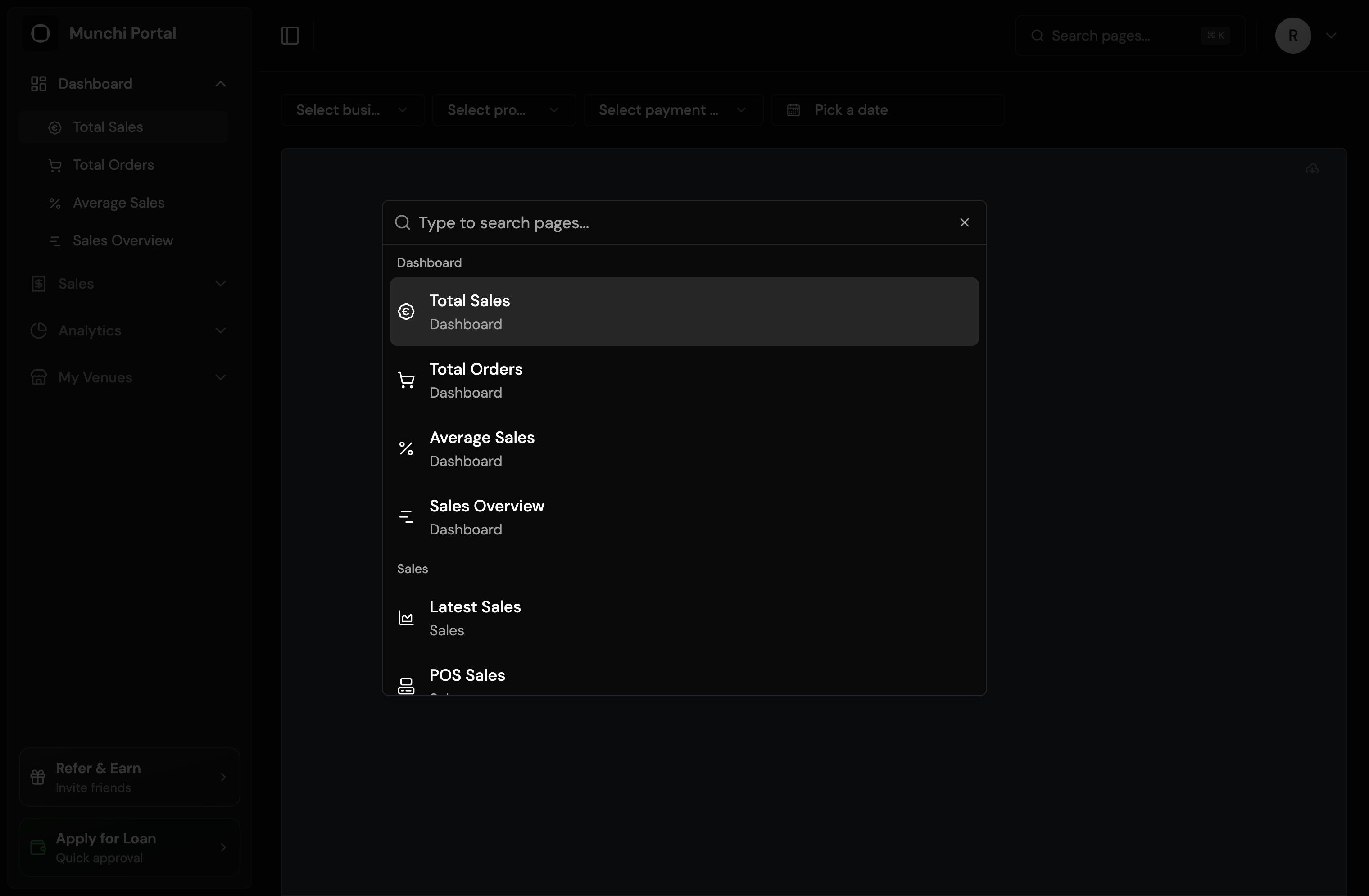
Press ⌘K (or Ctrl+K) to open the search box from anywhere. Just start typing "sales" or "products" and jump straight to that page. No clicking through menus!

You can also click the search button in the top-right corner if you prefer using your mouse.

Saved filters

Your filter selections are now automatically saved!

When you select businesses, payment methods, or date ranges, they'll be remembered across all pages and even when you close and reopen the portal. Set it once, and we'll remember it for you.

Note: Provider filters on sales pages are kept separate for flexibility, so you can use different providers for different sales reports.


That's it! Everything you need is now easier to find and faster to access. Focus less on navigation, more on running your restaurant.