Changelog

Follow new updates and improvements to Munchi.

Easy Staff Check-In & Check-Out — Now Built Into Munchi POS
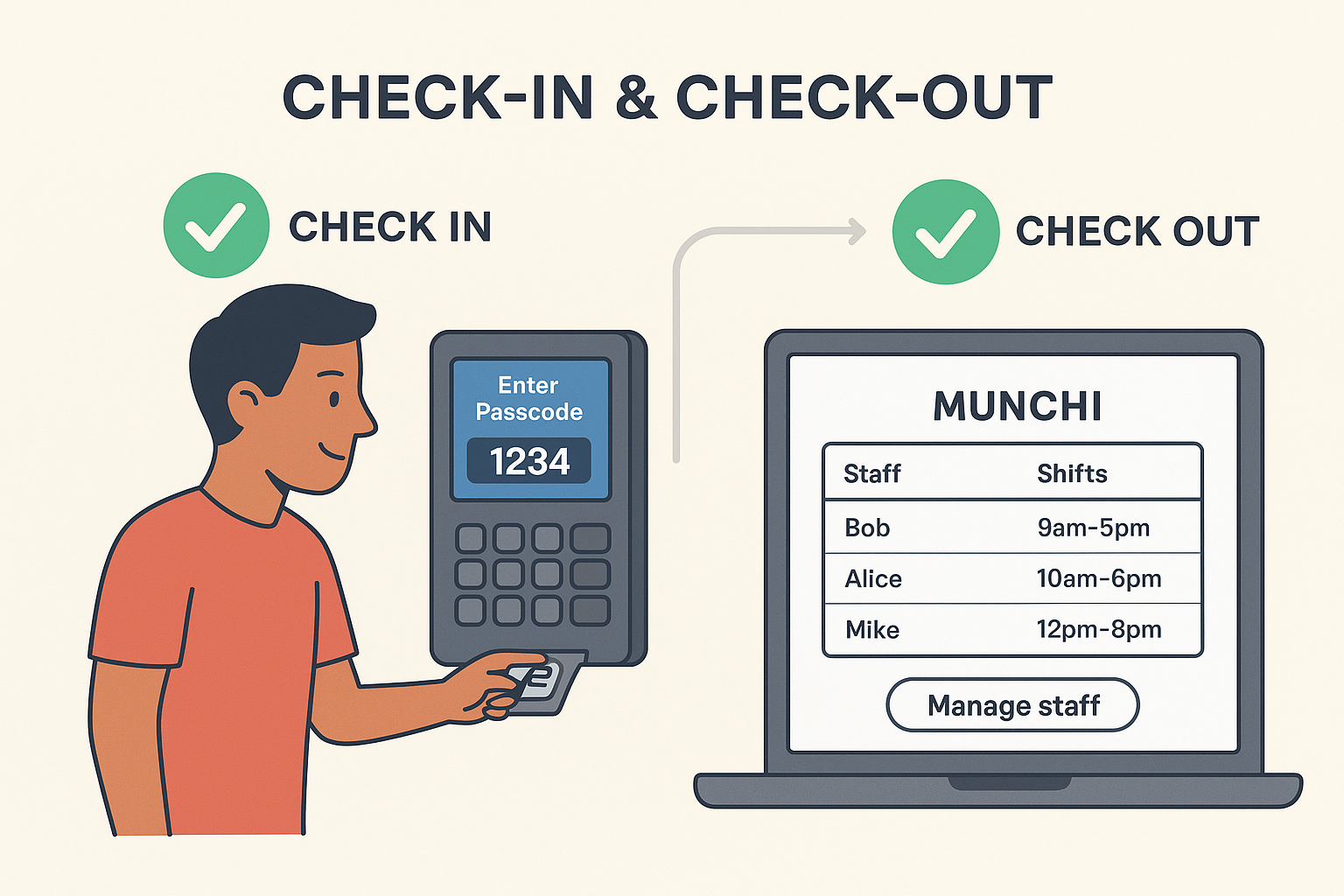
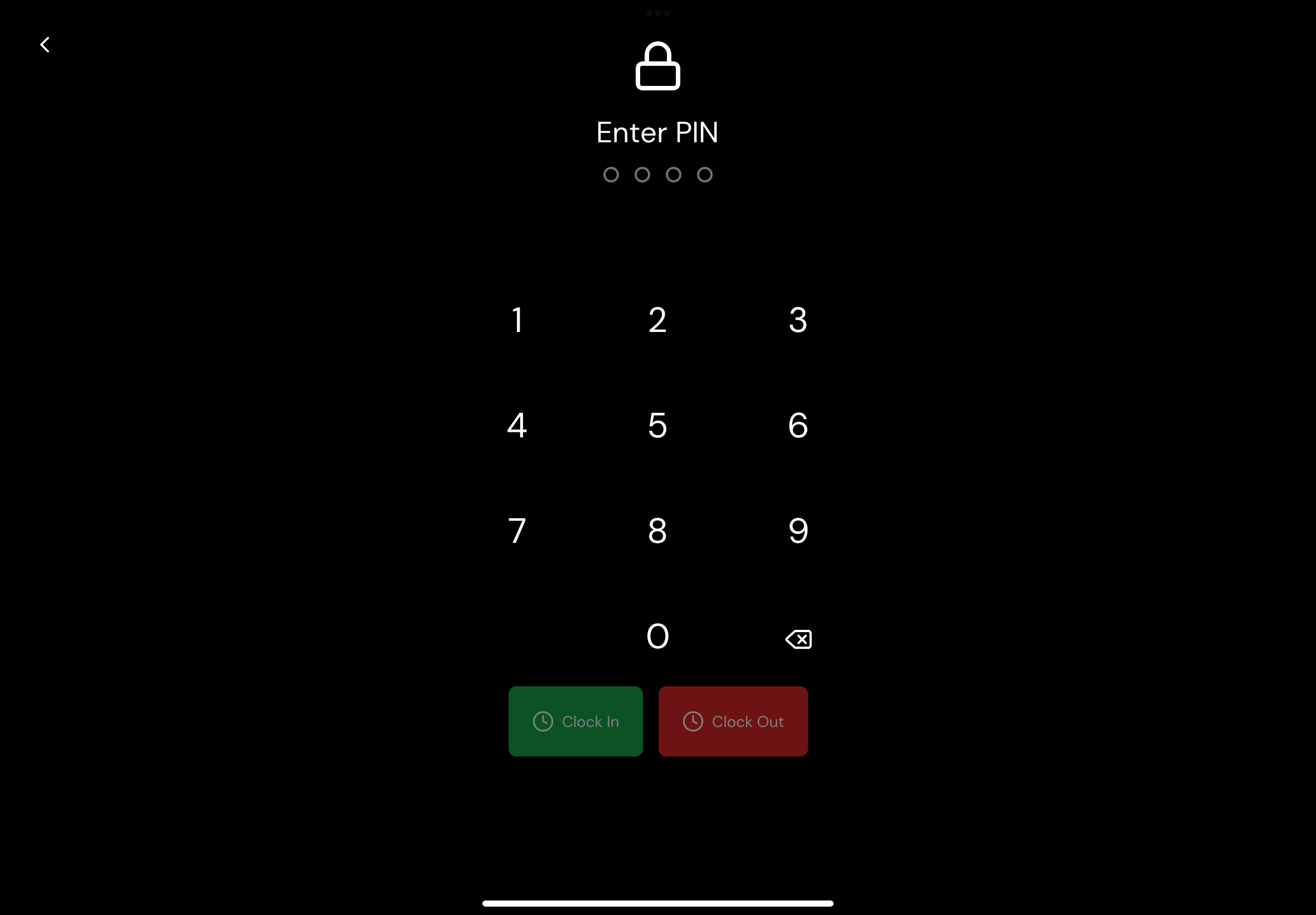
Keeping track of staff shifts shouldn’t be messy or manual. So we’ve made it effortless with our new Check-In & Check-Out feature — built directly into the Munchi POS and powered by the same passcode system used in Team Mode.


Check In With a Tap

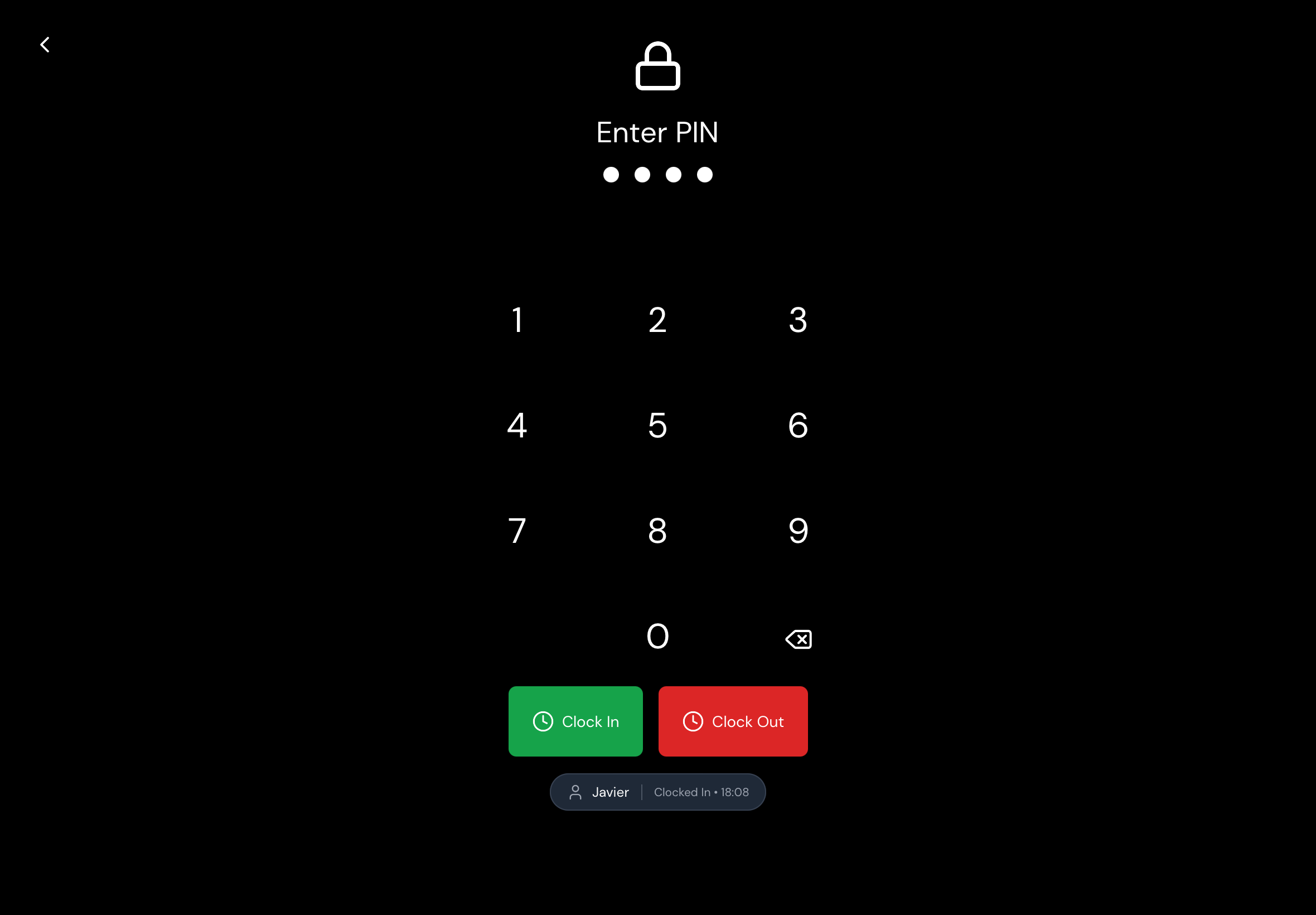
Your staff simply enter their personal passcode on the POS to start their shift.
No paperwork. No shared codes. No confusion.

Check Out Just as Easily

At the end of their shift, staff use the same passcode to check out.
Everything is recorded automatically — who worked, when they started, when they finished.

Real-Time Shift Tracking

All shifts are synced instantly to the Munchi Portal, where managers can see:

  • Who is currently clocked in

  • Daily and weekly shift summaries

  • Total hours worked

  • Late or missing check-outs

Everything is clear, organized, and always up to date.
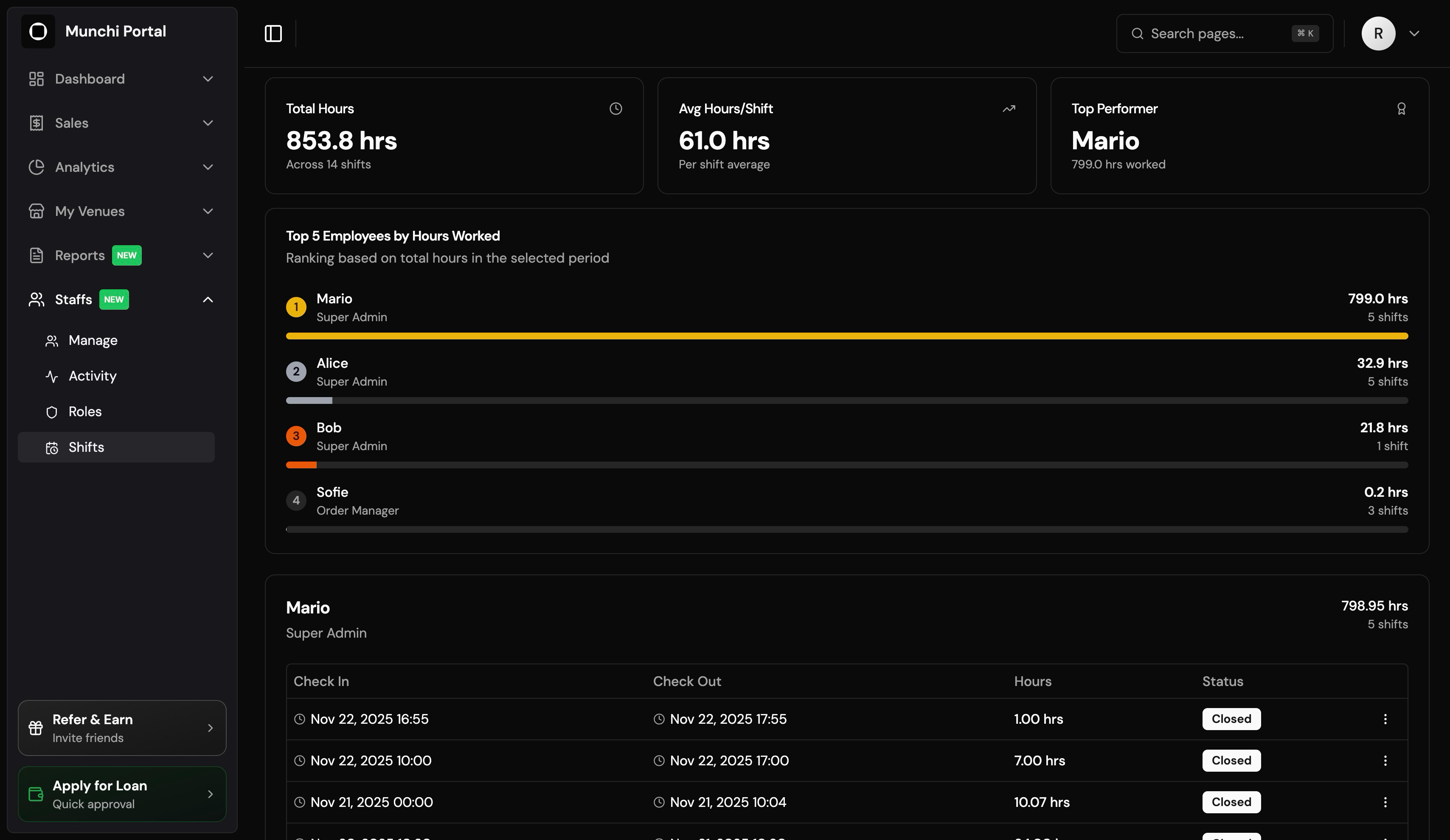

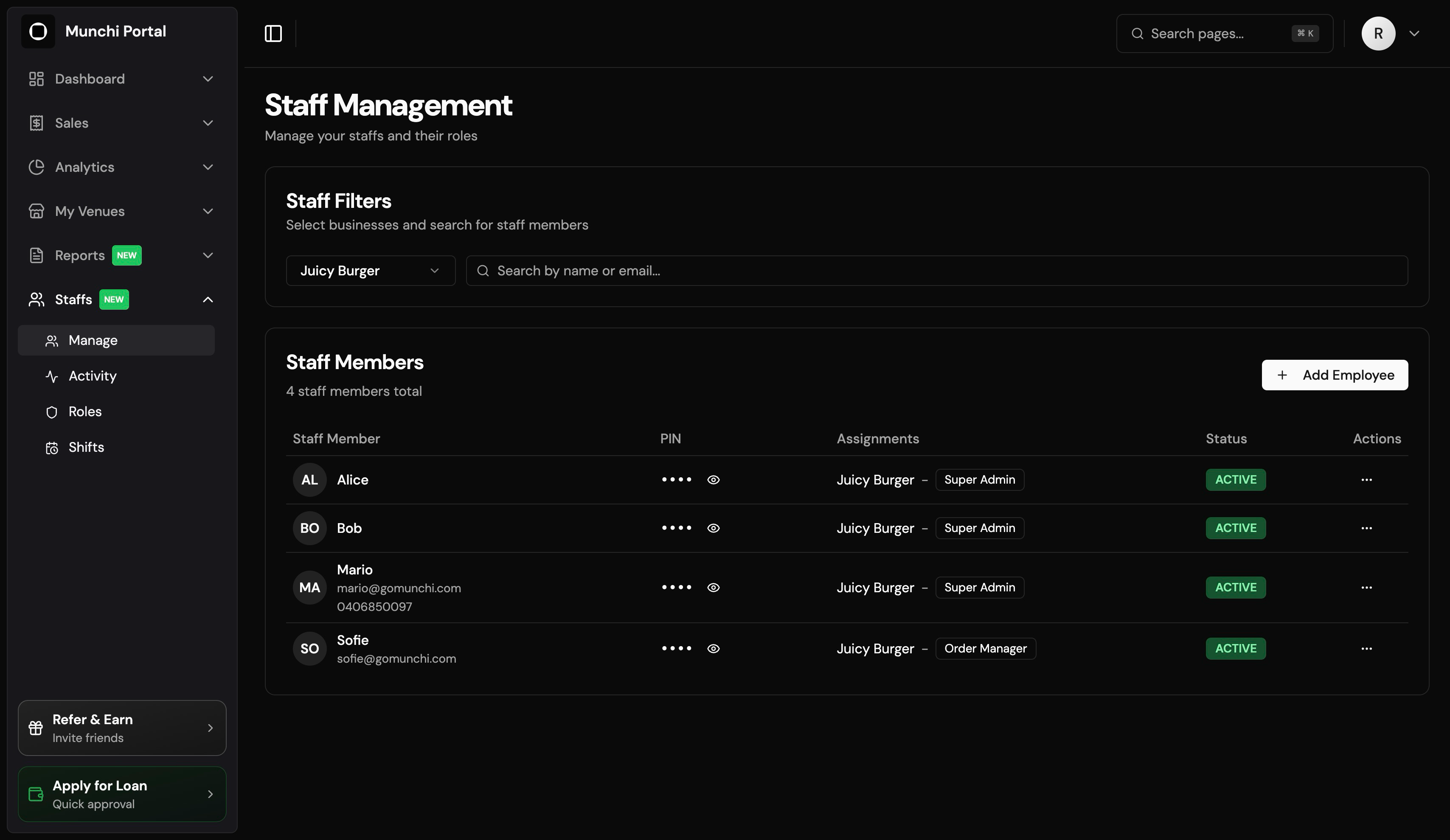
Full Manager Control in the Munchi Portal

From the Portal, managers can easily:

  • Add new staff

  • Edit staff details

  • Adjust shifts

  • Delete incorrect entries

  • Review full shift history

Everything is connected, seamless, and designed to save you time.


Simple for Staff. Powerful for Managers.

Whether you’re running a small café or a large multi-shift restaurant, Munchi makes staff management smooth and stress-free.

Munchi — Tools that keep your team running like clockwork.
https://www.gomunchi.com/

New

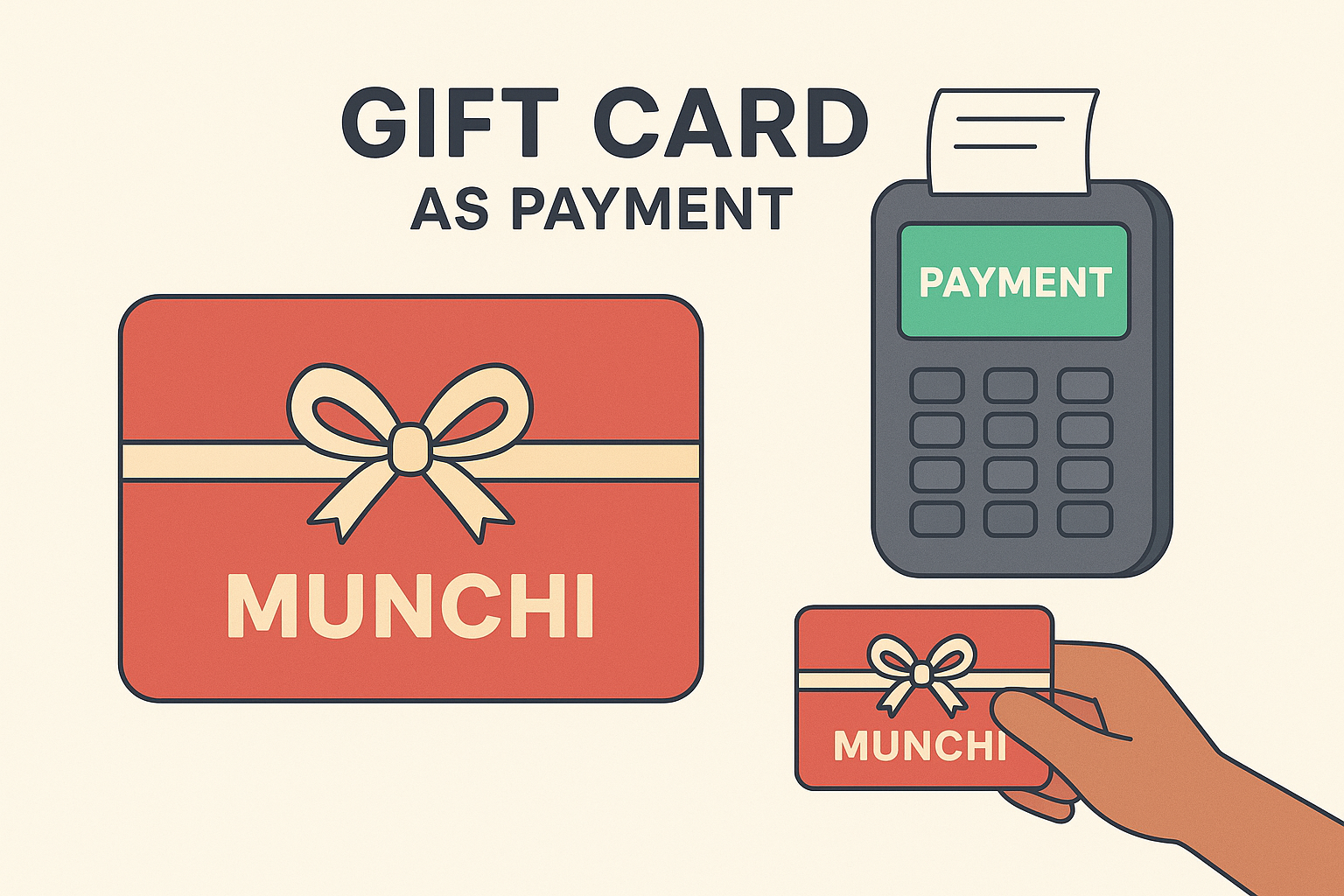
Introducing Munchi × Planet Gift Cards — A Sweet New Payment Option

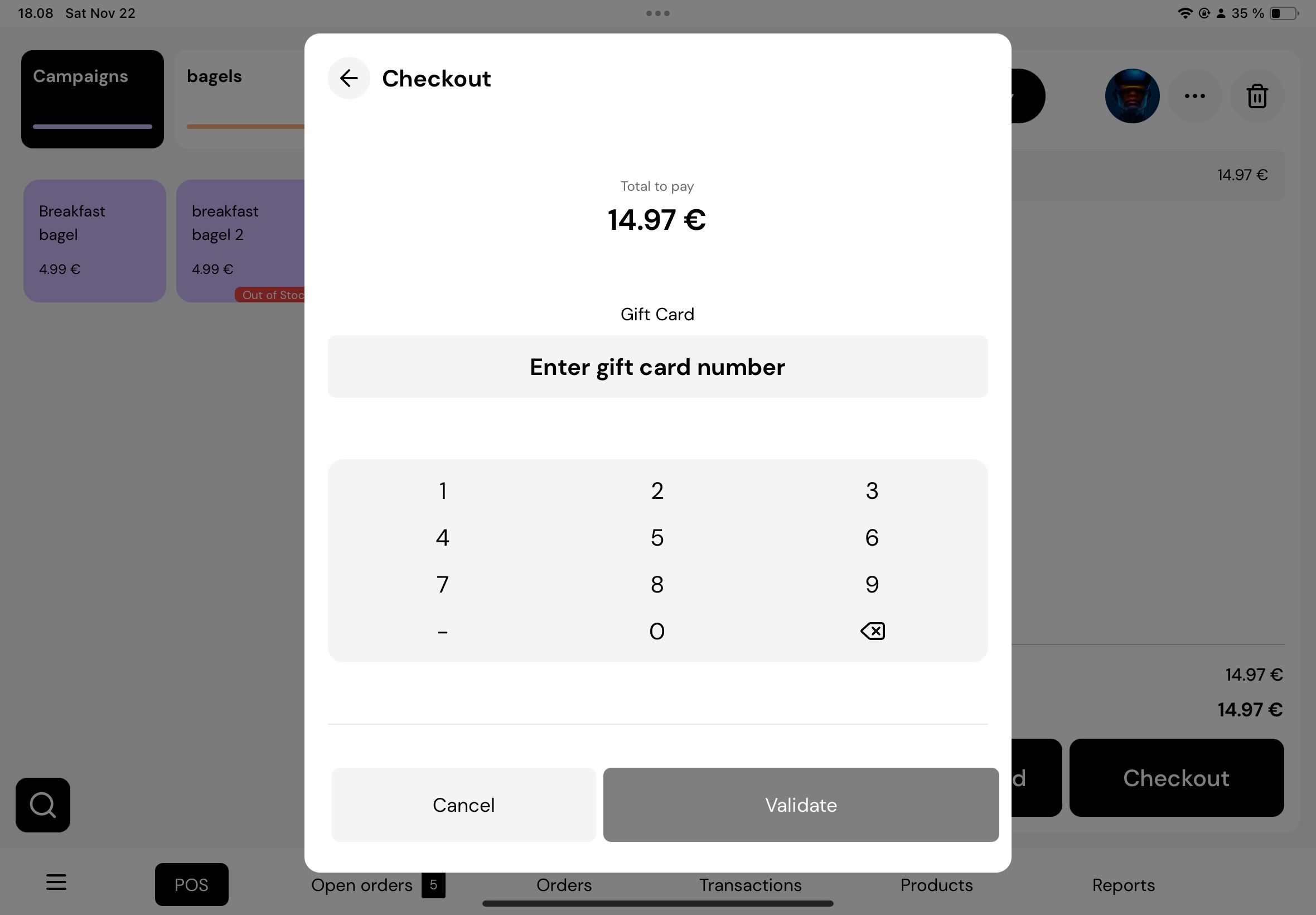
We’re excited to announce a powerful new way for your restaurant to generate revenue and build loyalty: Munchi Gift Cards, powered by Planet.

Why This Matters for Your Restaurant

  • New Revenue Stream: Sell gift cards (digital, paper, or plastic) and bring in cash up-front. Planet’s Gift Card Manager lets you run promotions, offer cards for special occasions, and even bulk-sell to corporate clients. weareplanet.com

  • Better Cash Flow: Cash refunds? No problem — you can convert them into gift cards instead of losing that money. weareplanet.com

  • In-Person or Online: Your customers can buy gift cards through a web shop, or at your restaurant via Planet’s POS and terminal solution. weareplanet.com+1

  • Track and Redeem Easily: With Planet’s Gift Card Manager, you can check card balances, redeem cards, and access detailed sales reports — all in one place. weareplanet.com


How Munchi & Planet Work Together

  1. Sell Gift Cards: Use Planet’s system to create and sell cards with your branding. You decide the design and denominations.

  2. In-Person or Online Checkout: Customers buy cards either in-store or online. Planet supports both.

  3. Redeem in Munchi One POS: When someone pays with a gift card, your staff redeems the card via your Munchi One POS system — making it seamless for you.

  4. Clear Reporting: Use Planet’s dashboard to see how many cards are sold, redeemed, and tracked


Why You’ll Love This

  • Builds Loyalty: Gift cards make it easy to bring in first-time guests and turn them into repeat customers.

  • Marketing Opportunities: Run gift card promotions around birthdays, holidays, or special events.

  • Simplifies Refunds: Rather than refunding in cash, you can issue a gift card — keeping money in your ecosystem.

  • Professional & Flexible: Planet supports digital cards, physical cards (plastic, wooden, paper), and even large B2B orders


If you’re ready to offer gift cards in your restaurant — or want help getting started — just let us know. We’re here to walk you through it.

Munchi — Making payments smarter, one feature at a time.

https://www.gomunchi.com/

New

New POS Security & Team Control

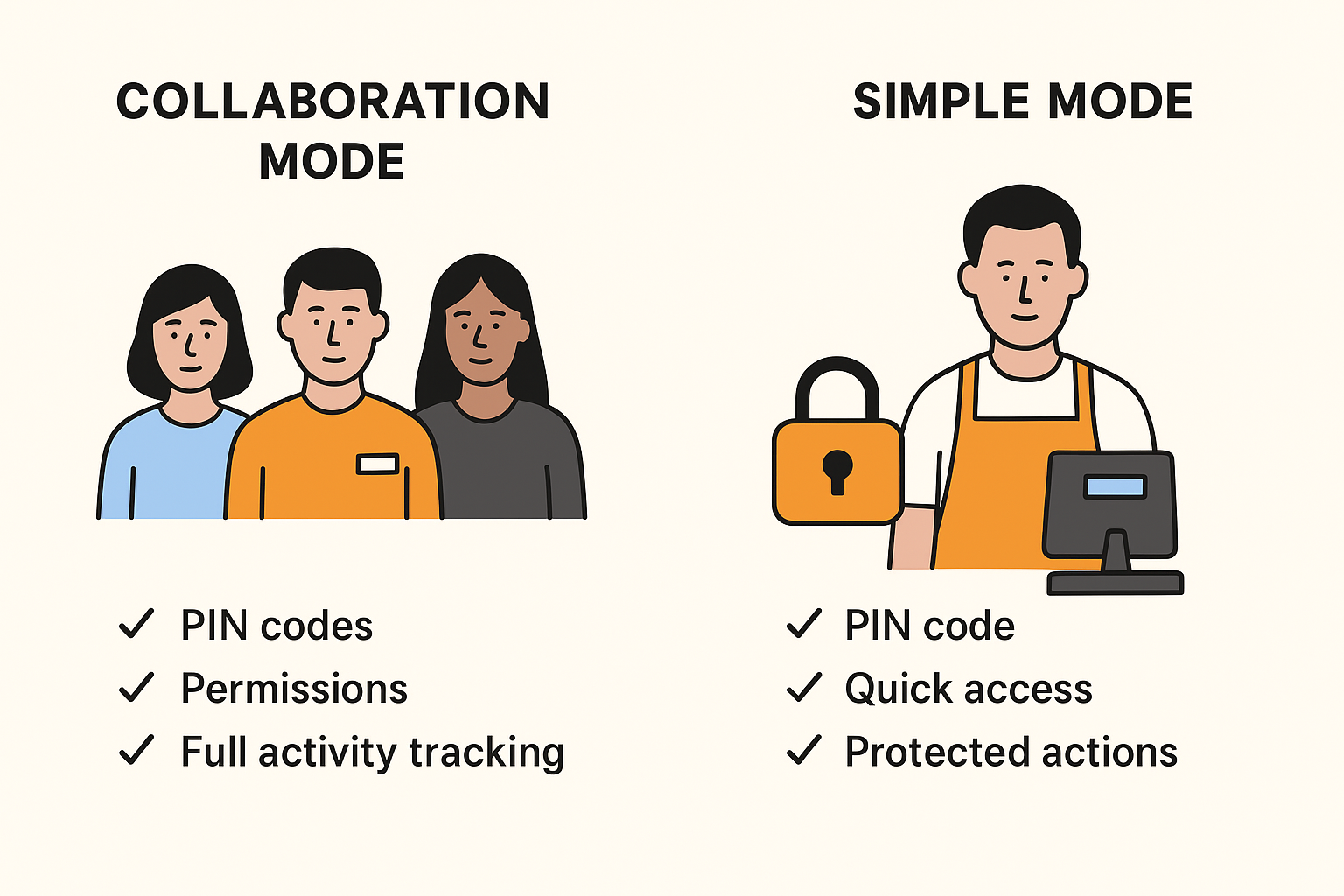
Every restaurant runs differently. Some want full team tracking; others just want a quick layer of protection. So we built a security system in two flexible modes — designed to fit your workflow, not change it.


👥 Collaboration Mode — Perfect for Teams

In Collaboration Mode, every staff member gets their own PIN and permission level.

This means:

  • Each team member logs in with their own code

  • You control what each role can do (discounts, refunds, editing items, cash drawer access, etc.)

  • Every activity is tracked automatically — sales, discounts, custom amounts, quantity changes, and more

Great for restaurants that want full visibility and accountability without slowing things down.


🔐 Simple Mode — Fast & Light

Don’t need full tracking? No problem.

In Simple Mode:

  • The POS works normally for everyday tasks

  • Only protected actions require a PIN, such as refunds or voids the payment

  • Perfect for smaller teams or fast-paced environments

Your staff can focus on service, and you still keep control of the important things.


⚙️ Manage Everything in Munchi Portal

You choose which mode your restaurant uses, and you can configure all rules inside the Munchi Portal:

  • Set PINs

  • Decide which actions require protection

  • Edit permissions

  • Switch modes anytime


Whether you want full team accountability or just a simple security safeguard, Munchi gives you control that fits your style.

Munchi — Smart security for restaurants that move fast.

https://www.gomunchi.com/

New

Earlier updates